
Course Progress
50%
Course Progress
Stay Secure: How to Keep Track of Your Passwords
Welcome to Day 24! Now that you know how to create strong passwords and use a password manager, let's talk about the importance of keeping track of your passwords and ensuring they're stored safely.
Password Manager: As we discussed yesterday, a password manager is the most secure way to store and manage passwords. It keeps all your passwords in one place, and you only need to remember your master password.
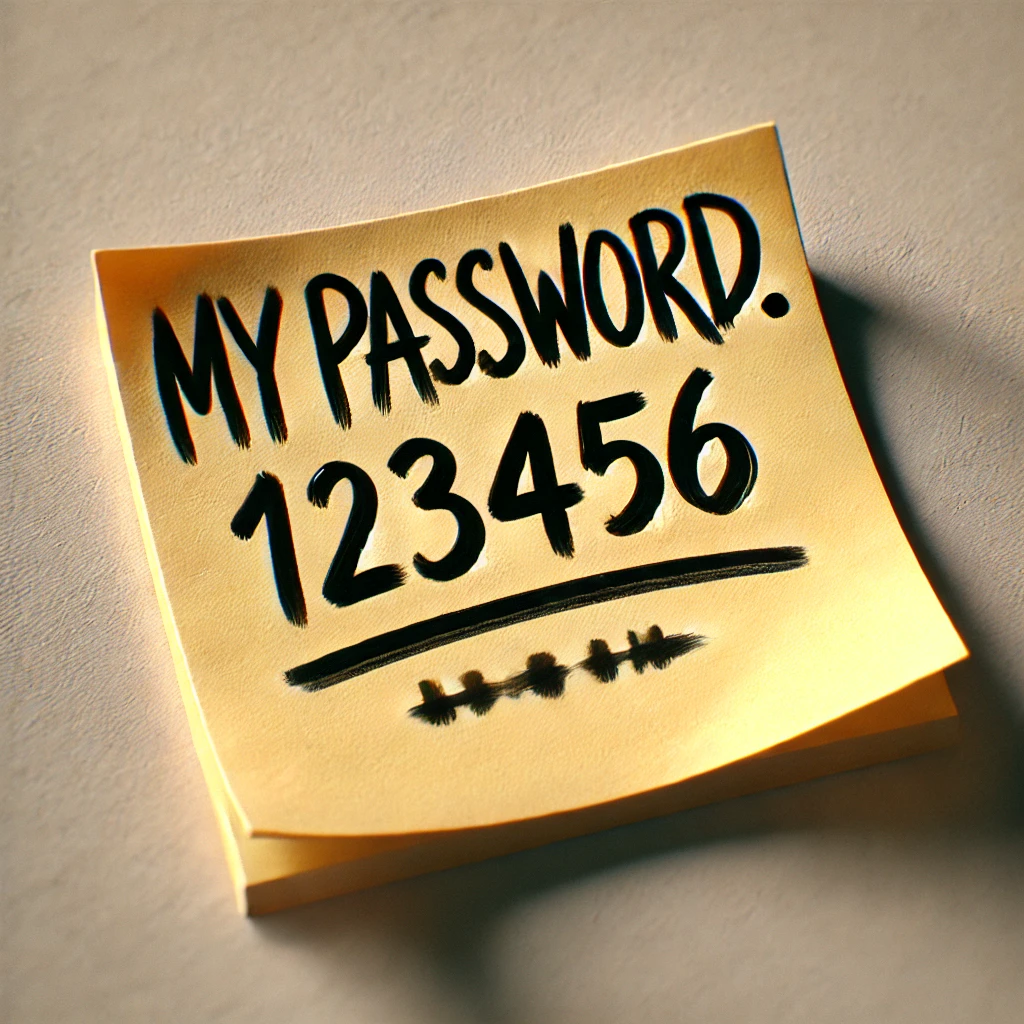
Write Them Down (Safely): If you prefer not to use a password manager, you can write down your passwords, but make sure you store them in a secure location—like a locked drawer or a secure file on your computer.
Don't Reuse Passwords: Avoid using the same password for multiple accounts. If one site gets hacked, having different passwords will help protect your other accounts.
Keeping track of your passwords ensures that your accounts stay secure and you don't get locked out. It's easy to forget passwords if you have many accounts, but using tools like a password manager or securely written records helps avoid frustration.
Consider setting up a password manager if you haven't already. If you prefer to keep track of your passwords manually, create a system to store them safely—whether in a notebook or a secure digital file.
If you're writing passwords down, avoid labeling them directly (e.g., "Email Password") in case someone else sees the list. Instead, use shorthand or abbreviations that only you will understand.
