
Course Progress
50%
Course Progress
Printing 101: How to Print Documents from Your Computer
It's Day 38, and today we'll learn how to print documents from your computer. Whether you're printing a letter, a photo, or an important document, it's helpful to know the steps for a successful print job.
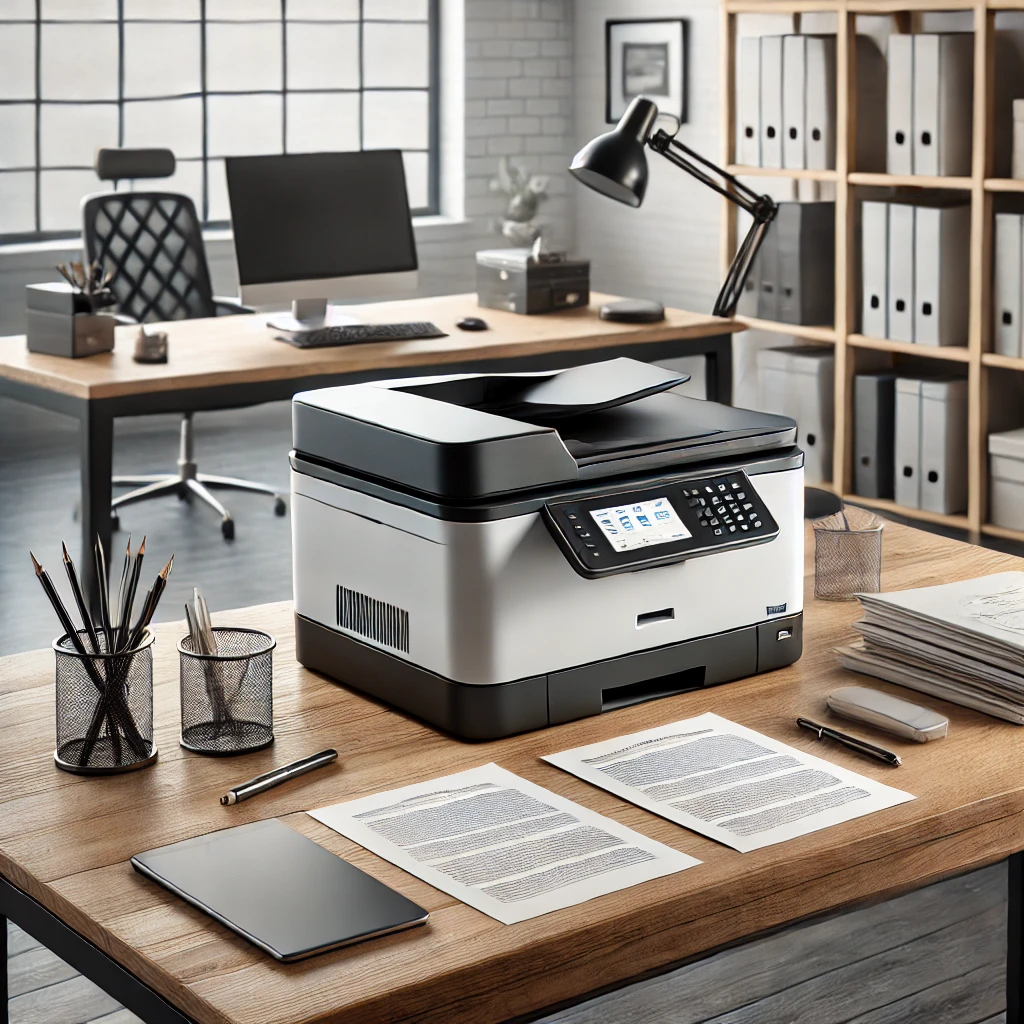
Open the document you want to print.
Click File → Print (or press Ctrl + P on Windows or Cmd + P on Mac).
Choose the printer you want to use from the list of available printers.
elect the print settings, such as the number of copies or the page range.
Click Print, and your document will be sent to the printer.
Printing is a basic skill that allows you to create hard copies of documents for personal, business, or legal purposes. Whether it's a contract, an essay, or a family photo, knowing how to print will come in handy.
If you have a printer, practice printing a document today. Adjust the settings to print only certain pages or multiple copies, so you get comfortable with the options.
If you're having trouble with your printer, try restarting both the printer and your computer. Sometimes a simple reset can solve connection issues.
