
Course Progress
50%
Course Progress
What Are Files and Folders? Organizing Your Digital Life
It's Day 6, and today we're taking a closer look at how computers store information using files and folders. Just like you organize documents and papers in physical folders, your computer uses a similar system to keep everything tidy and easy to find.
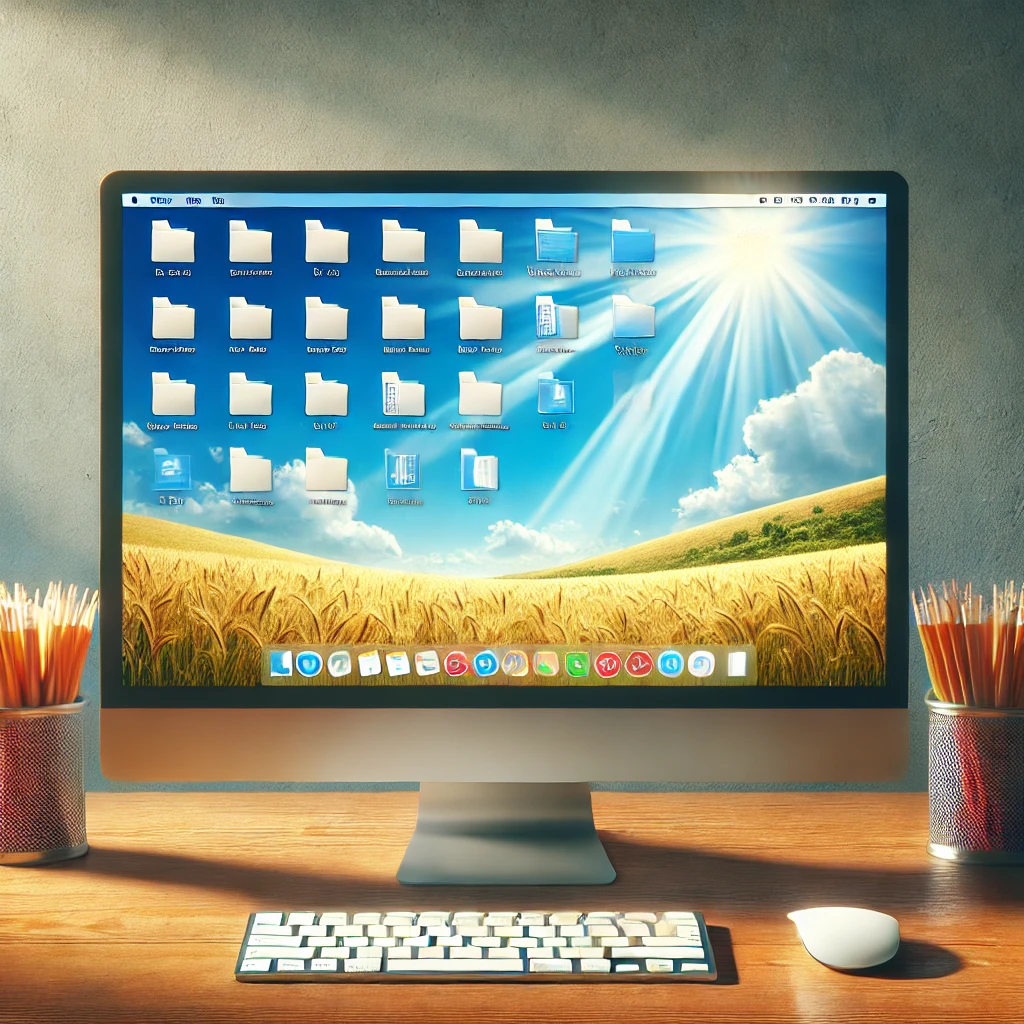
Files are the individual items where data is stored, such as documents, photos, or videos. Think of them like pieces of paper or photos in your filing cabinet.
Folders act as containers to help you group related files together. For example, you might have a folder called Photos 2024, which contains all your pictures from that year.
Folders can also hold subfolders, just like how a filing cabinet might have separate drawers for different types of documents.
Learning how to organize files and folders helps keep your computer's storage neat and easy to navigate. When everything is in its right place, you can quickly find important documents, photos, or programs without getting frustrated. Organizing your digital space is just as important as keeping your physical workspace tidy!
Let's put this into practice. Here's how to create and organize a folder:
Right-click on your desktop or within any existing folder.
Select New, then choose Folder.
Name the folder something relevant (e.g., "Family Photos" or "Work Docs").
Once you've created your folder, you can drag and drop files into it. This helps keep your desktop or documents folder from becoming cluttered.
When naming your folders and files, try to keep the names descriptive yet simple. This way, you'll know exactly what's inside just by glancing at the name (e.g., Invoices 2024 or Vacation Photos).
